The twitterfeed plugin
The twitterfeed plugin provides two widgets to display at the web site:
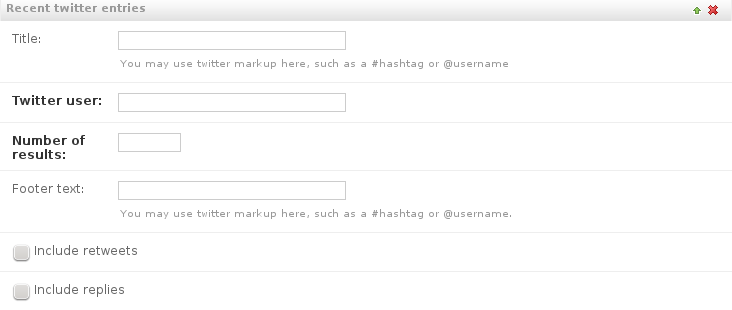
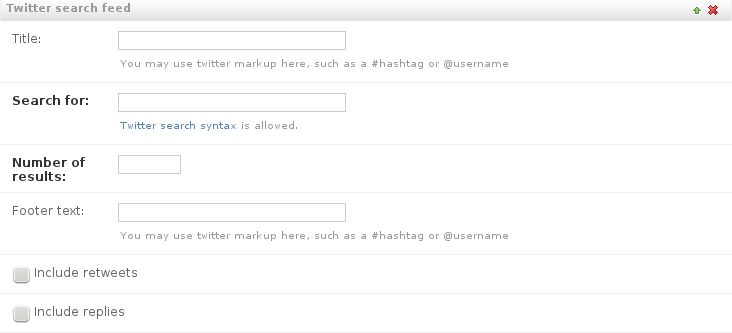
The twitterfeed is fetched client-side by JavaScript, and can be styled using CSS.
Installation
Install the dependencies via pip:
pip install django-fluent-contents[twitterfeed]
This installs the twitter-text-py package.
Add the following settings to settings.py:
INSTALLED_APPS += (
    'fluent_contents.plugins.twitterfeed',
)
Configuration
The following settings are available:
FLUENT_TWITTERFEED_AVATAR_SIZE = 32
FLUENT_TWITTERFEED_REFRESH_INTERVAL = 0
FLUENT_TWITTERFEED_TEXT_TEMPLATE = "{avatar}{text} {time}"
FLUENT_TWITTERFEED_AVATAR_SIZE
Define the size of the user avatar to display. Typical sizes are 16, 32 or 48 pixels.
FLUENT_TWITTERFEED_REFRESH_INTERVAL
Define after how many seconds all feeds should refresh.
FLUENT_TWITTERFEED_TEXT_TEMPLATE
Define the text layout of all twitter feeds. Various fields of the JavaScript code are available to use. The most relevant are:
{screen_name}: The user name.{avatar}: The avatar image tag.{text}: The text of the tweet{time}: the relative time{user_url}: The URL to the user profile{tweet_url}: The permalink URL of the twitter status.